Table of Contents
Your contact information is the most critical block of data on your resume; if a parser fails to extract your phone number or email, a recruiter cannot contact you even if you are the top-scoring candidate. Formatting contact details correctly eliminates parsing dropouts.
Optimizing for how to format your contact info so ats bots don't miss it requires aligning verified accomplishments with enterprise applicant tracking system parameters and recruiter review habits.
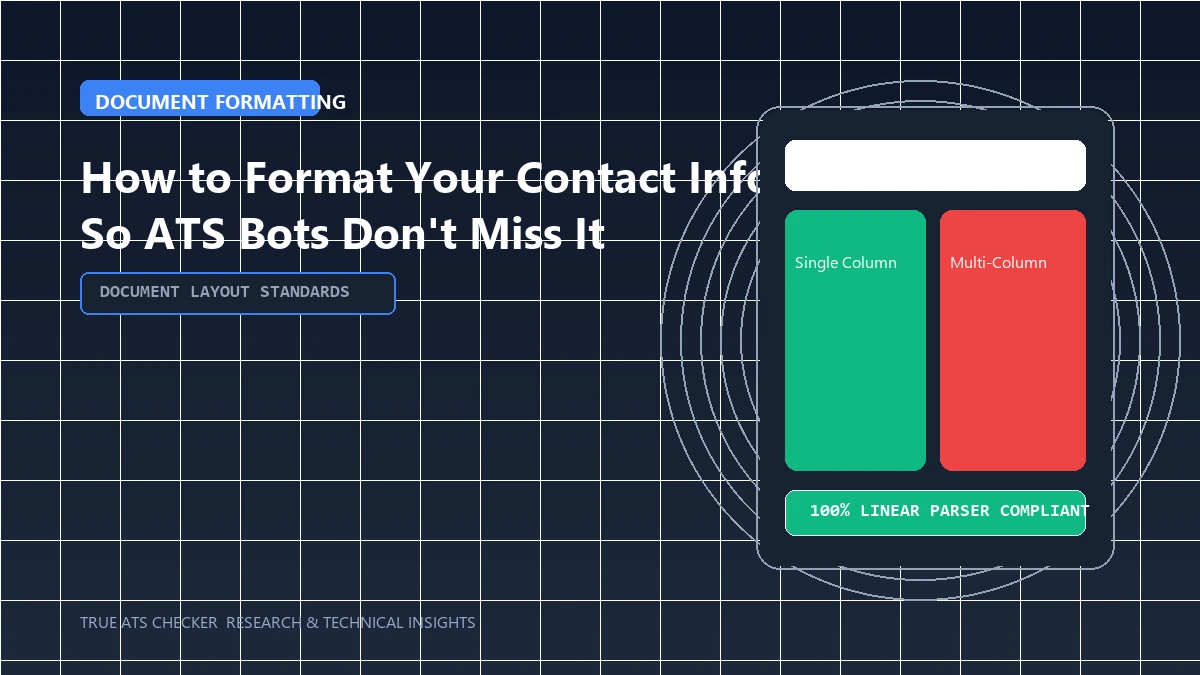
- ✓ Structure credentials in clean, single-column formats to guarantee flawless machine text extraction.
- ✓ Incorporate industry-standard terminology and tool competencies naturally within accomplishment bullets.
- ✓ Quantify commercial and operational results using percentages, dollar values, or project scale metrics.
#Direct Answer: The Safe Contact Header Standard
- Place at the Top of the Main Body: Never place your name or contact details inside a Word/PDF header zone.
- Use Standard Text Lines: Separate elements with clean pipes (|) or simple hyphens rather than complex nested tables.
- Include Professional Identifiers: Name, professional email (e.g.,
firstname.lastname@gmail.com), phone number with country code, location (City, State / Country), and customized LinkedIn URL.
The 80% Rule
Most enterprise Applicant Tracking Systems (like Workday and Taleo) require a semantic keyword match score of 80% or higher before forwarding your resume to a human recruiter.
Check your ATS score#Header Parsing: How Bots Extract Personal Identifiers
The top 3-4 lines of your resume must be structured for flawless Named Entity Recognition. If an ATS parser fails to extract your phone number or email address, recruiters cannot contact you, and your profile may fail data validation checks:
- Never Use the Word/PDF "Header" Band: Desktop word processors place headers in an isolated XML layer (
w:headerReference) that many background conversion libraries (like PDFBox or Tika) ignore entirely. Place contact details in the normal document body. - Phone Number Formatting: Include international country codes (e.g.,
+1 555-123-4567or+91 98765 43210) so automated dialers and SMS integrations can parse the string. - Location Standard: City and State/Country (e.g. "San Francisco, CA" or "Bengaluru, Karnataka, India"). Full street addresses are obsolete and create privacy risks.
#The Flawless ATS-Compliant Contact Header
Jane Doe
Austin, TX | +1 (512) 555-0199 | jane.doe@email.com
linkedin.com/in/janedoe | github.com/janedoe
#Header Mistakes to Eliminate
- Using Social Icons: Replacing the word "Email" or "Phone" with graphical envelope and telephone icons causes parsers to miss the contact data.
- Multiple Email Addresses: Listing two email addresses confuses automated candidate records. Use a single professional email.
#Frequently Asked Questions
Do I need to include my full home address?
No. City, State, and Zip code are sufficient for modern hiring and background validation.
How can I verify if my contact details parse properly?
Upload your resume to True ATS Resume Checker. If your name, email, and phone appear in the audit summary, your header is 100% compliant.
#Conclusion
Keep your contact details clean, accessible, and header-free. Check your document with our Free ATS Scanner.
Test Your Resume Against the ATS
Stop guessing. See exactly how applicant tracking systems parse your resume, completely free.
Scan My Resume NowTrue ATS Editorial Team
An expert in career progression and Applicant Tracking System (ATS) optimization. Dedicated to helping job seekers navigate modern hiring algorithms using data-backed insights.