Table of Contents
Creating an ATS-friendly resume does not mean producing an ugly document. It means designing with intentional structural discipline: ensuring that visual elegance never interferes with machine parseability.
Optimizing for how to make an ats friendly resume (format & tips) requires aligning verified accomplishments with enterprise applicant tracking system parameters and recruiter review habits.
- ✓ Structure credentials in clean, single-column formats to guarantee flawless machine text extraction.
- ✓ Incorporate industry-standard terminology and tool competencies naturally within accomplishment bullets.
- ✓ Quantify commercial and operational results using percentages, dollar values, or project scale metrics.
#Direct Answer: The Anatomy of a Perfect ATS Format
- Geometry: 1-inch margins on all sides; 0.5 inches minimum.
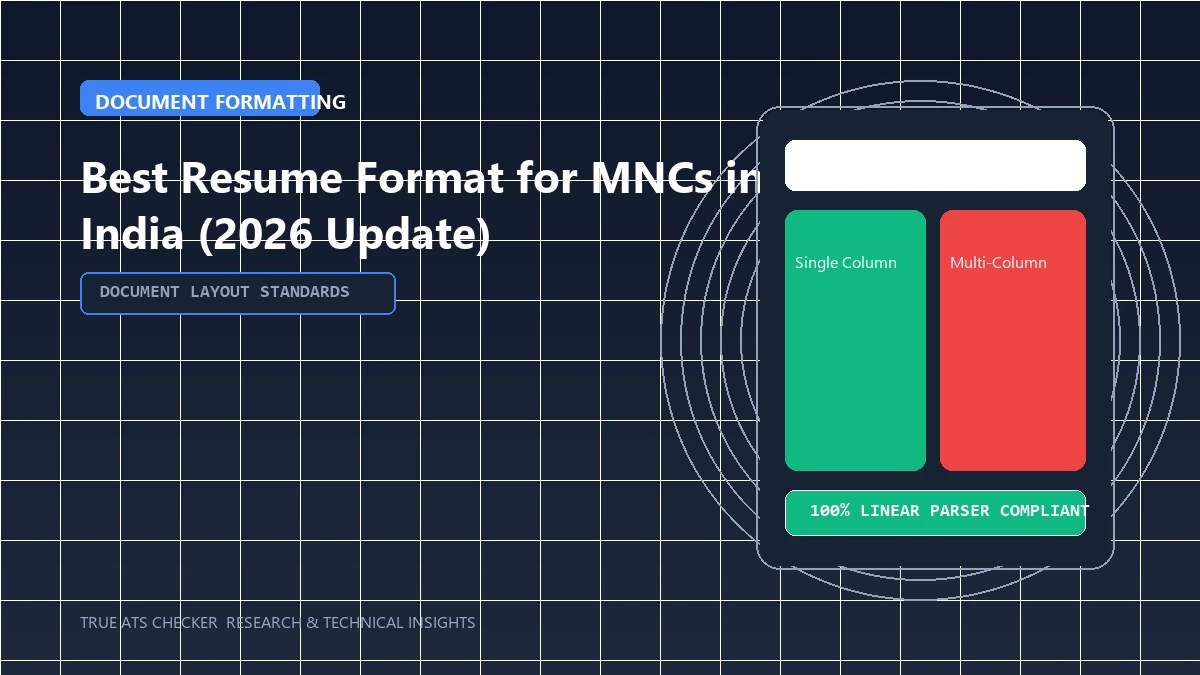
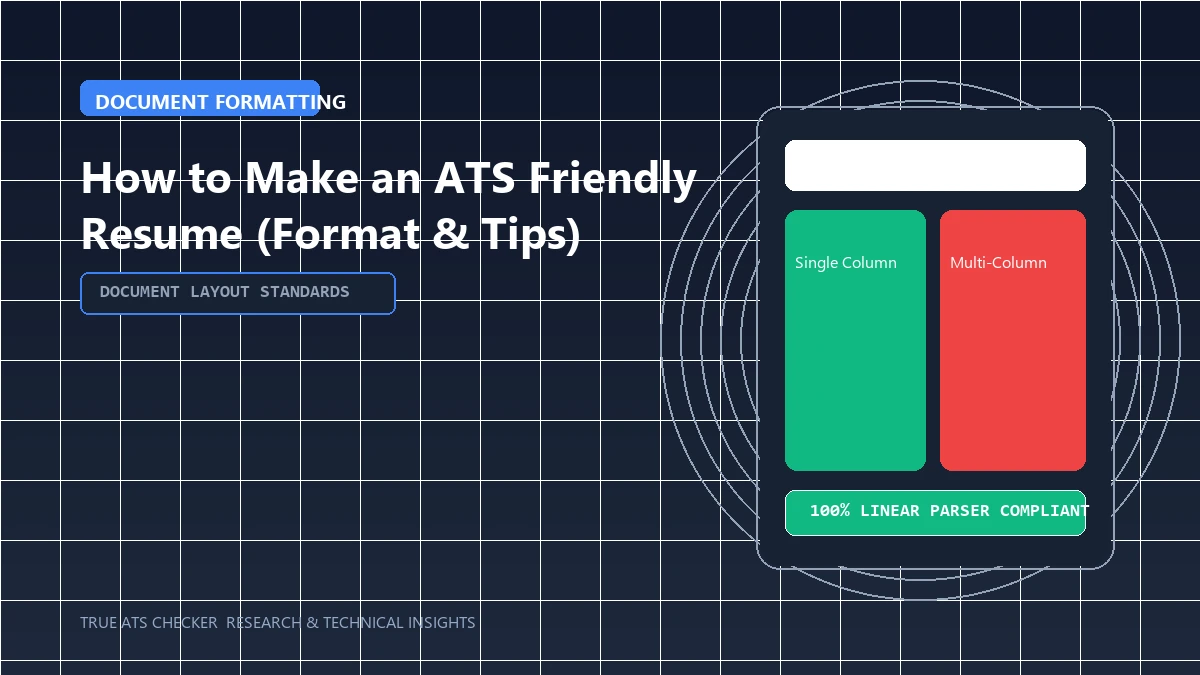
- Layout: Single-column flow from top to bottom.
- Typography: Professional system font (Arial, Calibri, Helvetica, Georgia) at 10–11pt body size.
- Structure:
- Contact Header (Name, Phone, Email, Location, LinkedIn)
- Professional Summary (3–4 sentences)
- Categorized Skills Matrix
- Work Experience (Reverse-chronological with XYZ bullets)
- Education & Certifications
The 80% Rule
Most enterprise Applicant Tracking Systems (like Workday and Taleo) require a semantic keyword match score of 80% or higher before forwarding your resume to a human recruiter.
Check your ATS score#The Architectural Blueprint for an ATS-Friendly Format
Creating an ATS-friendly resume from scratch does not require expensive software or graphic design tools. You can build a 100% algorithmically compliant resume in Microsoft Word or Google Docs by adhering to core architectural specifications:
- Document Geometry: 8.5 x 11 inch (US Letter) or A4 page setup with uniform 0.75-inch margins on all sides.
- Linear Reading Order: Single-column layout where text flows strictly from top to bottom, avoiding parallel columns or floating sidebars.
- Typographic Hierarchy: Standard system fonts (Calibri, Arial, Georgia). 14pt Bold for Candidate Name, 12pt Bold for Section Headings, 11pt Semi-bold for Job Titles, 10.5pt Regular for body bullets.
- Safe Divider Lines: Use standard paragraph borders (
Format > Borders and Shading) rather than floating vector line shapes.
#Step-by-Step Word / Docs Setup Checklist
1. Set Margins: File > Page Setup > Margins > 0.75" (Uniform).
2. Set Font: Calibri, 10.5pt, 1.15 line spacing, 3pt space after paragraphs.
3. Standard Headings: SUMMARY, EXPERIENCE, EDUCATION, SKILLS, CERTIFICATIONS.
4. Export Clean PDF: File > Save As > PDF (Standard).
#Formatting Pitfalls
- Using Text Boxes for Spacing: Never use text boxes to position text; use standard indents and tab stops.
- Pasting Graphic Icons: Avoid decorative phone, mail, or house icons; write clean plain text.
#Frequently Asked Questions
Can I use pre-built templates?
Yes. You can use our verified ATS Resume Templates which are pre-configured to meet all machine-parsing standards.
How do I test my formatting?
Upload your file to True ATS Resume Checker to verify complete text readability.
#Conclusion
Build a resume that impresses robots and humans alike. Download compliant templates from our Templates Directory.
Test Your Resume Against the ATS
Stop guessing. See exactly how applicant tracking systems parse your resume, completely free.
Scan My Resume NowTrue ATS Editorial Team
An expert in career progression and Applicant Tracking System (ATS) optimization. Dedicated to helping job seekers navigate modern hiring algorithms using data-backed insights.