Table of Contents
One of the most persistent questions in job searching is whether to submit a resume in PDF or Microsoft Word (.docx) format. Both formats have distinct technical characteristics, and knowing when to use each prevents unnecessary parsing failures.
Optimizing for pdf vs word (.docx): which is better for applicant tracking systems? requires aligning verified accomplishments with enterprise applicant tracking system parameters and recruiter review habits.
- ✓ Structure credentials in clean, single-column formats to guarantee flawless machine text extraction.
- ✓ Incorporate industry-standard terminology and tool competencies naturally within accomplishment bullets.
- ✓ Quantify commercial and operational results using percentages, dollar values, or project scale metrics.
#Direct Answer: Which Format is Safest?
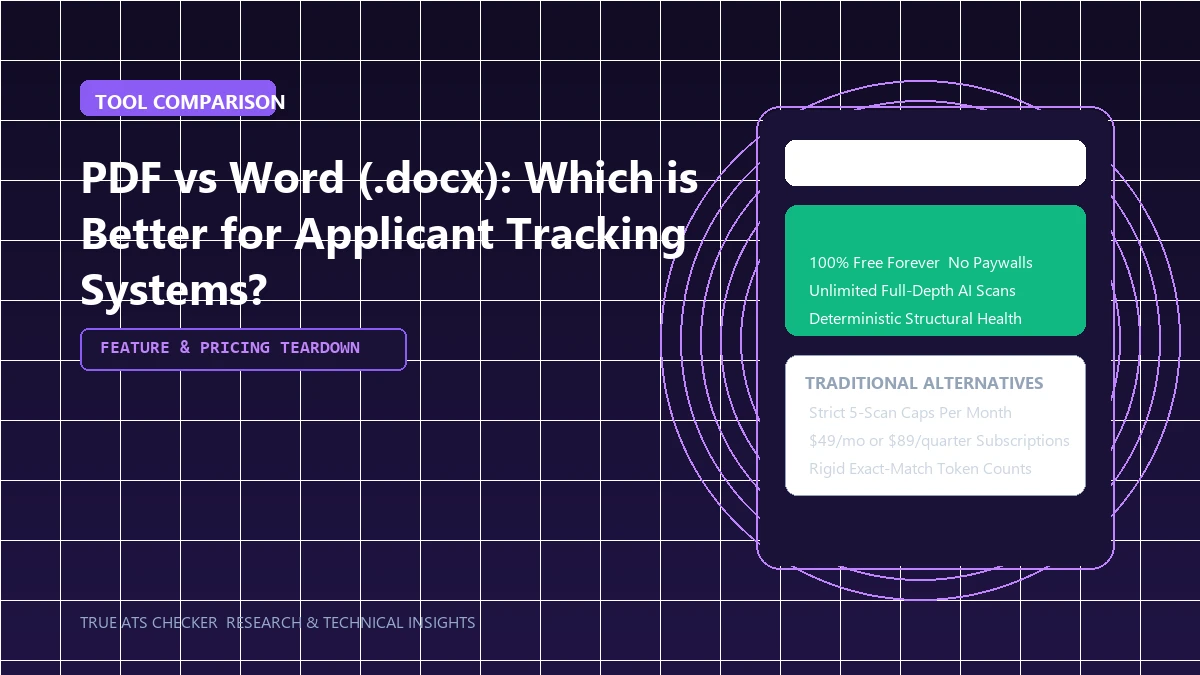
- Microsoft Word (.docx): The most universally compatible format across 100% of legacy and modern ATS platforms. Parsers ingest Word XML text structures natively without any rendering ambiguity.
- Text-Based PDF (.pdf): Highly compatible with all modern ATS systems (Greenhouse, Lever, modern Workday) and guarantees your visual layout, typography, and margins remain identical on the recruiter's screen.
- When to Choose Word: Always submit .docx if the application portal explicitly states "Word preferred", or when applying through older legacy systems.
- When to Choose PDF: Submit PDF when applying to modern tech platforms or when the application accepts general document uploads, provided your PDF is text-based (not a scanned image).
The 80% Rule
Most enterprise Applicant Tracking Systems (like Workday and Taleo) require a semantic keyword match score of 80% or higher before forwarding your resume to a human recruiter.
Check your ATS score#Under the Hood: How ATS Ingests Word vs. PDF
A Microsoft Word document (.docx) is an uncompressed archive of XML files. The parser reads word/document.xml directly, extracting pure structured text with zero spatial ambiguity. In contrast, a PDF is a PostScript-derived visual rendering language; the parser must reconstruct text from individual glyph streams. While modern cloud parsers handle text-based PDFs effortlessly, legacy enterprise systems occasionally misread PDF character spacing.
- Microsoft Word (.docx) Strengths: 100% text extraction reliability, universally understood XML schemas, zero ligature corruption risk.
- PDF (.pdf) Strengths: Guarantees visual formatting preservation across all screen sizes, operating systems, and recruiter devices without risk of font substitution.
#When to Choose Each Format: A Decision Matrix
Choose Microsoft Word (.docx) when: Applying through older enterprise portals (Taleo, older SAP SuccessFactors, government portals) or working with third-party staffing agencies who need to format your document for clients.
Choose PDF (.pdf) when: Applying to modern tech companies (Greenhouse, Lever, modern Workday, Ashby) to ensure your font kerning, margins, and layout display identically on macOS, Windows, and mobile devices.
#File Format Errors
- Uploading Flattened Image PDFs: Saving a PDF as an image strips all machine-readable character strings.
- Using Obsolete .doc Format: Never save in legacy Word 97-2003 binary (
.doc) format; modern cloud parsers frequently reject it.
#Frequently Asked Questions
Can links in a PDF be clicked by a recruiter?
Yes, provided your PDF was exported as a digital document. Links in image-only scans cannot be clicked.
Does an ATS see comments or tracked changes in a Word doc?
Yes! Some parsers extract hidden tracked changes, revision history, and comments. Always inspect and accept all changes before submitting a .docx file.
#Conclusion
Either format succeeds when generated cleanly. Download certified Word and PDF layouts from our Templates Directory.
Test Your Resume Against the ATS
Stop guessing. See exactly how applicant tracking systems parse your resume, completely free.
Scan My Resume NowTrue ATS Editorial Team
An expert in career progression and Applicant Tracking System (ATS) optimization. Dedicated to helping job seekers navigate modern hiring algorithms using data-backed insights.