Table of Contents
Resume formatting mistakes are the leading reason highly qualified candidates fail automated job screening. When an Applicant Tracking System attempts to parse a resume with structural incompatibilities, it misinterprets job titles, merges separate work histories, or discards crucial skills. Understanding and eliminating these ten common formatting errors will dramatically improve your parse rate across enterprise hiring systems.
Optimizing for top 10 resume formatting mistakes that ruin your ats score requires aligning verified accomplishments with enterprise applicant tracking system parameters and recruiter review habits.
- ✓ Structure credentials in clean, single-column formats to guarantee flawless machine text extraction.
- ✓ Incorporate industry-standard terminology and tool competencies naturally within accomplishment bullets.
- ✓ Quantify commercial and operational results using percentages, dollar values, or project scale metrics.
#Direct Answer: The 10 Most Critical ATS Formatting Mistakes
- Placing Essential Contact Data in Headers/Footers: Parsers routinely ignore header and footer zones.
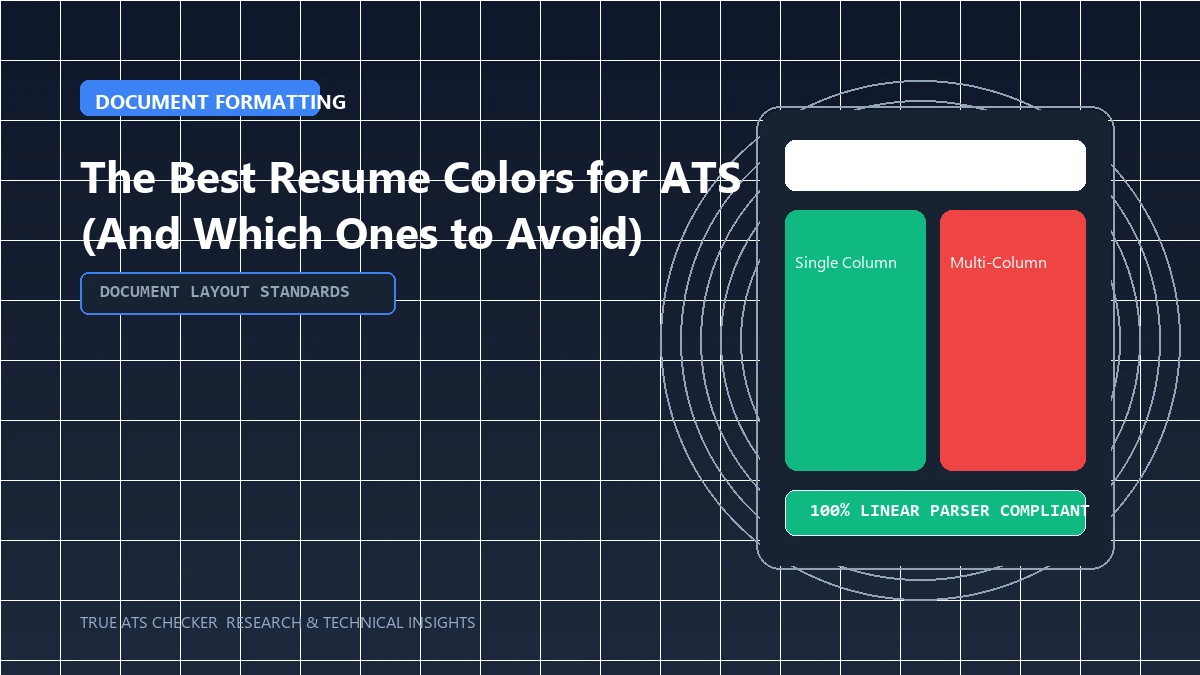
- Multi-Column and Table Layouts: Causes horizontal reading errors and jumbled text extraction.
- Graphical Skill Bars and Icons: Rating dots or progress bars provide zero machine-readable text.
- Non-Standard Fonts and Custom Glyph Bullets: Obscure web fonts often render as unreadable symbols (like ) during plain-text conversion.
- Image-Only Resumes (Flattened PDFs / Canva PNGs): The system sees a blank document with zero extractable words.
- Over-Complicated Section Headings: Using creative titles like "Where I've Made an Impact" prevents the parser from finding your experience.
- Bizarre Date Formats: Writing dates without months or in unusual syntax confuses chronological parsing.
- Keyword Stuffing in White Text: Modern algorithms flag invisible text as malicious spam.
- Embedded Hyperlinks Without Anchor Text: Leaving raw URLs like "click here" rather than linking descriptive text.
- Password-Protected or Encrypted Files: Prevents the parser from opening the file entirely, resulting in an instant error.

The 80% Rule
Most enterprise Applicant Tracking Systems (like Workday and Taleo) require a semantic keyword match score of 80% or higher before forwarding your resume to a human recruiter.
Check your ATS score#1. The Danger of Tables and Multi-Column Layouts
While multi-column templates created in graphic design tools look visually appealing on screen, they disrupt the linear reading sequence of document parsers. An ATS parses text strictly from left to right. When two columns are placed side-by-side, the parser frequently reads line one of column one directly into line one of column two, producing nonsensical output:
Parser Output Error: "Senior Frontend Developer Bangalore Technical Skills Managed React Native UI Team 2021 - 2024 Redux, Tailwind, Jest"
Stick strictly to a single-column layout where experience, education, and skills follow a vertical flow.
#2. Font Choices and Character Encoding
When choosing a typeface, prioritize universal system fonts that are guaranteed to have consistent Unicode mappings across Windows, macOS, and Linux servers. Safe choices include Arial, Calibri, Helvetica, Georgia, and Times New Roman. Avoid custom downloaded fonts or decorative script typefaces that render as corrupted strings during character extraction.
#3. Proper Date and Heading Taxonomy
Always format dates consistently throughout your document. Recommended formats include MM/YYYY – MM/YYYY (e.g., 04/2021 – Present) or Month YYYY – Month YYYY (e.g., April 2021 – Present). When naming sections, rely on standardized headings: "Professional Experience", "Education", "Skills", "Projects", and "Certifications".
#Frequently Asked Questions
Can I use bolding, italics, and bullet points on an ATS resume?
Yes. Standard formatting elements like bold text, italicized company names, and circular bullet points are completely safe. They help human recruiters scan your resume without interfering with machine parsing.
Are PDF resumes always safe for ATS?
Only text-based PDFs are safe. If your PDF was created in Adobe Photoshop or scanned as an image from a physical sheet of paper, the parser cannot extract text without OCR (optical character recognition), which frequently introduces spelling errors. Always export directly from Word or Google Docs.
#Conclusion
A clean, single-column document with standard typography ensures that recruiters evaluate your real qualifications rather than discarding a corrupted file. To verify that your document is completely free of structural bugs, run your file through our Free ATS Resume Scanner or download an ATS-compliant template from our Resume Templates Catalog.
Test Your Resume Against the ATS
Stop guessing. See exactly how applicant tracking systems parse your resume, completely free.
Scan My Resume NowTrue ATS Editorial Team
An expert in career progression and Applicant Tracking System (ATS) optimization. Dedicated to helping job seekers navigate modern hiring algorithms using data-backed insights.