Table of Contents
Applicant Tracking System (ATS) parsing is the automated technical process through which computer software analyzes a raw document (such as a PDF or Word file), extracts plain-text strings, and organizes that data into structured database fields. Understanding this backend mechanism is the key to engineering a resume that passes automated filters without error.
ATS parsing converts unstructured Word and PDF resumes into structured candidate profiles using lexical analysis, Named Entity Recognition (NER), and skill ontologies.
- ✓ Parsers extract data across 4 distinct computational layers before human recruiters search the database.
- ✓ Contact data placed inside Word/PDF headers or footers is frequently skipped by background parsers.
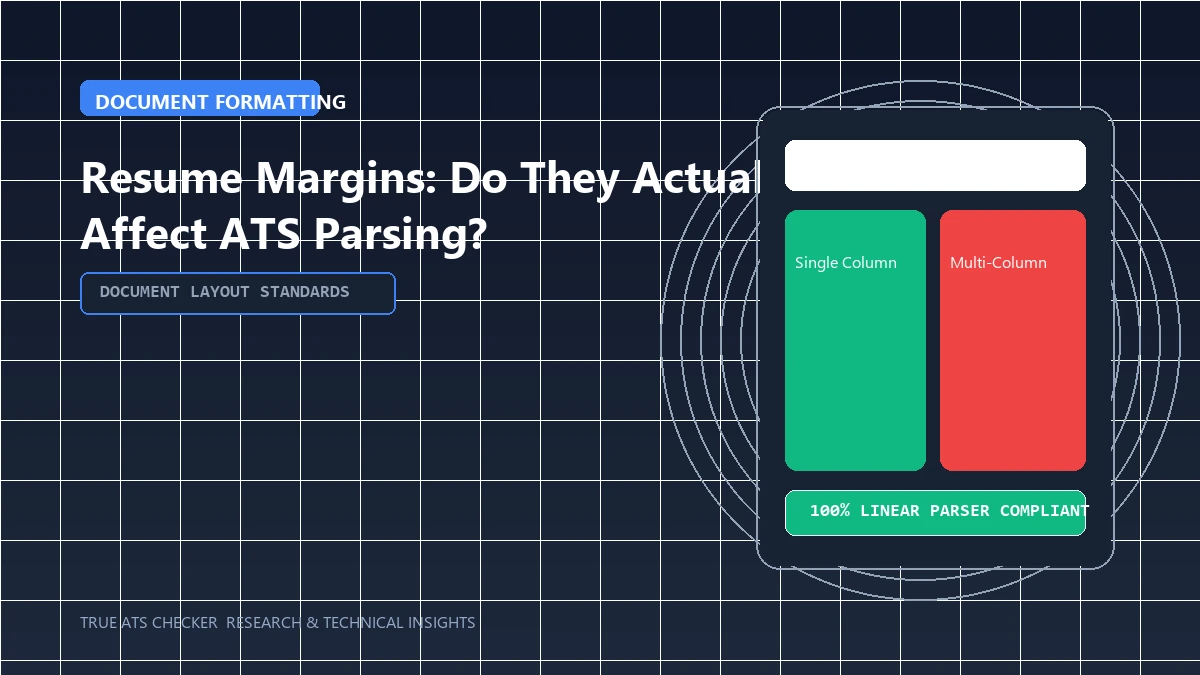
- ✓ Standard single-column layouts with clear headings deliver near 100% text extraction accuracy.
#Direct Answer: The 4 Stages of Resume Parsing
- Document Ingestion: The software reads the raw binary file and converts visual layouts into clean ASCII or Unicode text characters.
- Named Entity Recognition (NER): Machine learning models identify key entities such as dates, company names, job titles, educational institutions, and contact details.
- Taxonomy Mapping: Extracted skills and job titles are cross-referenced against an internal ontology (for instance, mapping "JS" and "ECMAScript" to "JavaScript").
- Candidate Profile Creation: The structured data is stored in the employer's database, making your record searchable to recruiters using keyword and attribute filters.

The 80% Rule
Most enterprise Applicant Tracking Systems (like Workday and Taleo) require a semantic keyword match score of 80% or higher before forwarding your resume to a human recruiter.
Check your ATS score#Technical Architecture: How ATS Data Extraction Works
Modern recruitment engines utilize specialized document conversion libraries (such as Apache Tika, PDFMiner, or commercial OCR engines like Sovren and Textkernel) to process uploaded candidate files. The parsing workflow operates through four discrete computational layers:
- Layer 1 (Tokenization & Lexical Analysis): The raw byte stream is converted into individual tokens (words, punctuation, numbers). Line breaks and spatial coordinates are analyzed to determine paragraph boundaries.
- Layer 2 (Named Entity Recognition - NER): Pre-trained machine learning models identify proper nouns, mapping tokens to entities like
PERSON,ORGANIZATION,LOCATION, andDATE. - Layer 3 (Grammar & Heading Classification): The parser evaluates font sizes, capitalization, and vertical line spacing to segment the document into structured sections (Summary, Experience, Education, Skills).
- Layer 4 (Ontology Normalization): Extracted skills are matched against massive skill ontologies. For instance, if an employer searches for "AWS", a candidate with "Amazon Web Services", "EC2", or "S3" will be mapped to that core technical competency.
#Common Parsing Failures & Technical Fixes
| Parsing Failure Type | Root Cause | Engineered Fix |
|---|---|---|
| Missing Contact Information | Contact data placed inside Word/PDF Header or Footer zones. | Move name, phone, email, and location into the top 3 lines of the document body. |
| Scrambled Job Chronology | Two-column tables where dates sit on the left and titles sit on the right. | Adopt a single-column layout where company, title, and dates sit on the same line. |
| Unparsed Skills Matrix | Skills listed as visual graphic bars, icons, or embedded images. | Write skills in clean, comma-separated plain text categorized by functional domain. |
#Critical Parsing Traps to Avoid
- Graphic Overlays: Placing text inside vector shapes or Canva text boxes creates invisible glyph layers that parsers skip entirely.
- Custom Bullet Glyphs: Using fancy emojis, arrows, or non-standard Unicode symbols can cause tokenizers to replace your bullet points with garbled characters (e.g.
or?). Stick to standard solid bullets () or hyphens. - Embedded Text in Images: Scanned PDFs or resumes created as rasterized graphics contain zero selectable text, resulting in a completely blank applicant profile.
#Frequently Asked Questions
Can an ATS read tables in modern systems?
While some modern cloud platforms (like Greenhouse) can extract text from simple tables, many enterprise legacy parsers (like older Taleo instances) read across table cells horizontally, merging separate columns into unreadable strings. Single-column layouts remain the universal gold standard.
Do ATS parsers penalize resumes with color?
No. Parsers completely ignore visual CSS, font colors, and hex values. They extract the underlying raw character strings. However, human recruiters require high contrast (dark text on a white background) for comfortable reading.
How does True ATS Checker evaluate parsing quality?
True ATS Checker uses deterministic heuristic analysis to detect structural hazards (tables, text boxes, non-standard headers) combined with semantic AI evaluation to benchmark keyword relevance against real-world job postings.
#Conclusion
Clean structural formatting prevents data corruption during parsing. Validate your document's parse rate using our Free ATS Parser Scanner.
Test Your Resume Against the ATS
Stop guessing. See exactly how applicant tracking systems parse your resume, completely free.
Scan My Resume NowTrue ATS Editorial Team
An expert in career progression and Applicant Tracking System (ATS) optimization. Dedicated to helping job seekers navigate modern hiring algorithms using data-backed insights.